Getting started
There's nothing to configure.
That surprises people who ask "how do I set up my mintbot?" — expecting a control panel full of toggles, API keys to paste, servers to wire up. There isn't one. You pick a plan, pay, and a couple of minutes later a personal AI agent is running on its own server, waiting for you in Telegram.
Here's the whole thing, start to finish.
1 Pick a plan
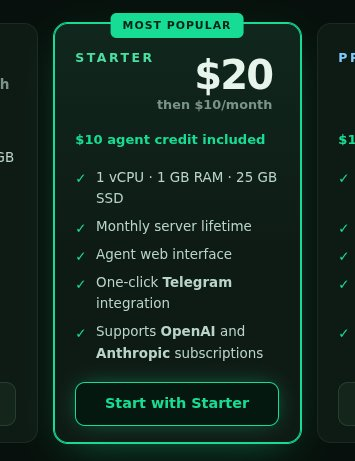
On mintbot.ai, scroll down to the plans. Every plan runs on the same private server (2 vCPU · 4 GB RAM · 40 GB SSD):
- Starter — the most popular: 9 €/month for the server. The first payment is 19 €, because it also includes 10 € of agent credit, so your agent can get to work straight away.
- Pro — 9 €/month with no credit to buy: the agent runs on your own ChatGPT or Claude subscription, which you link in its panel after setup.
- Try for 24h — 6 € for one day, if you just want to try it out.
2 Pay and subscribe
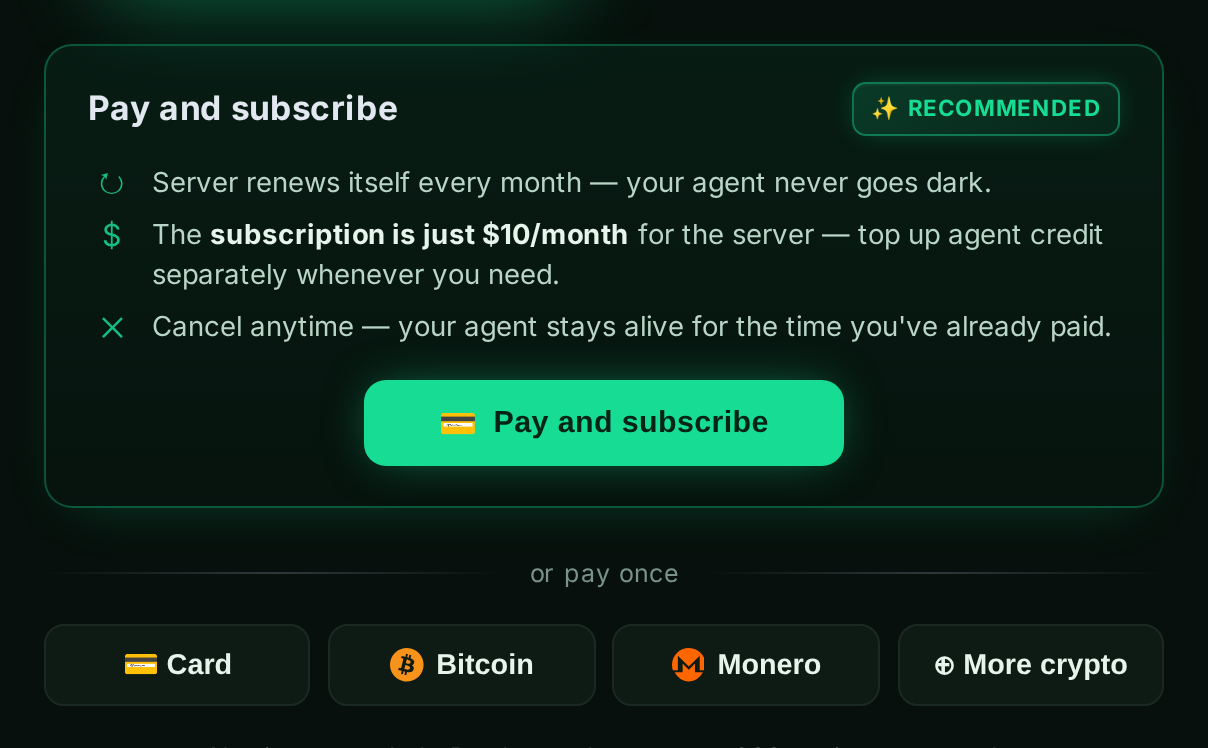
Your plan is already selected on the checkout page. The server location defaults to Helsinki; buying for a company? Switch on Invoice to a company. Under Pay and subscribe, choose Card payment via Stripe or Pay with PayPal. The subscription simply keeps your server running month to month — cancel anytime and the agent stays up for the time you've already paid.
Rather not subscribe? Under or pay once you can pay for a single period by card, PayPal, Bitcoin, Monero or other coins. Either way, no signup needed.
3 Pay with Stripe
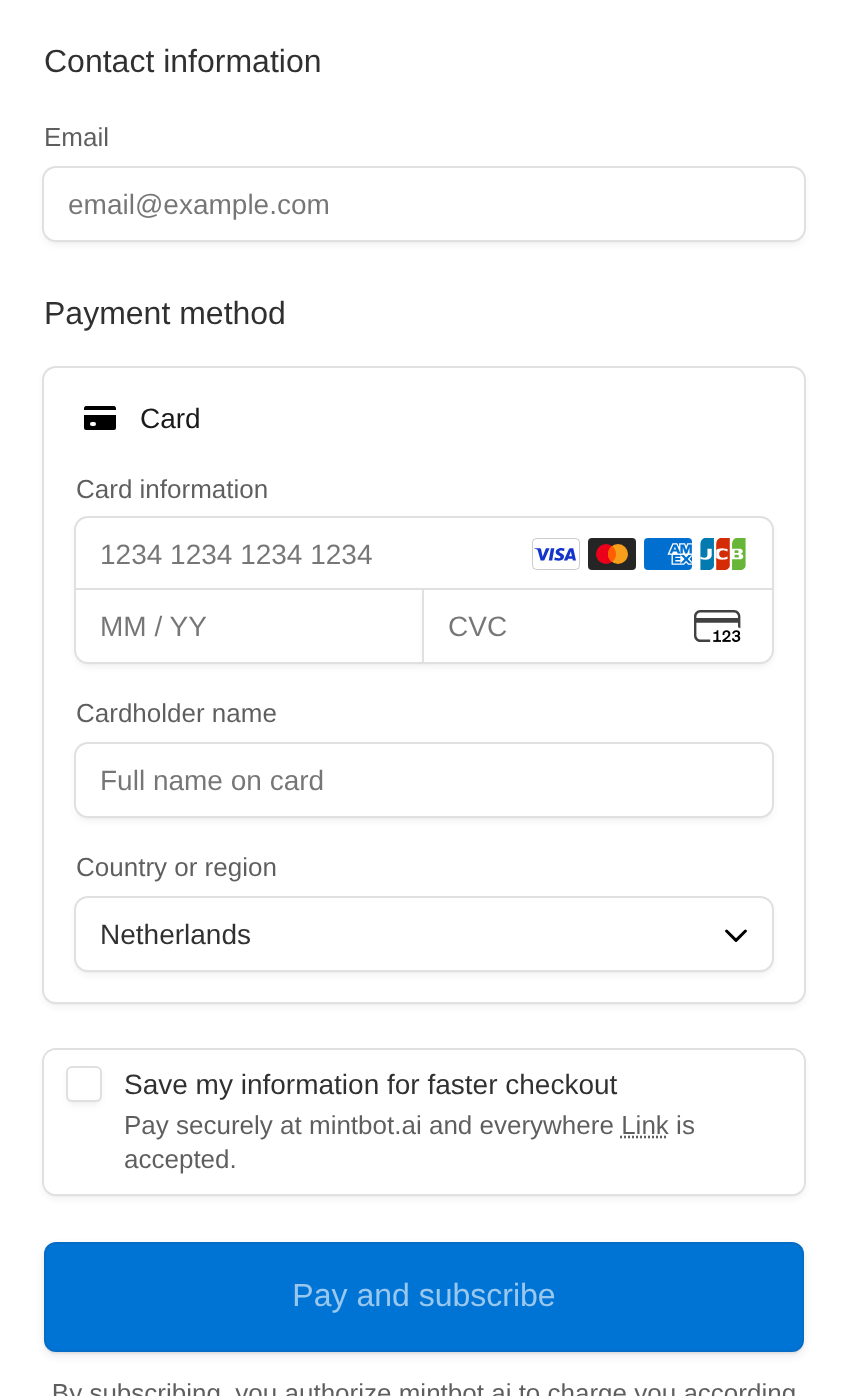
Card payments go through Stripe's secure checkout — mintbot never sees your card number. Enter your details and confirm. (Chose PayPal? Then you confirm the payment in PayPal instead.)
4 Your agent deploys itself
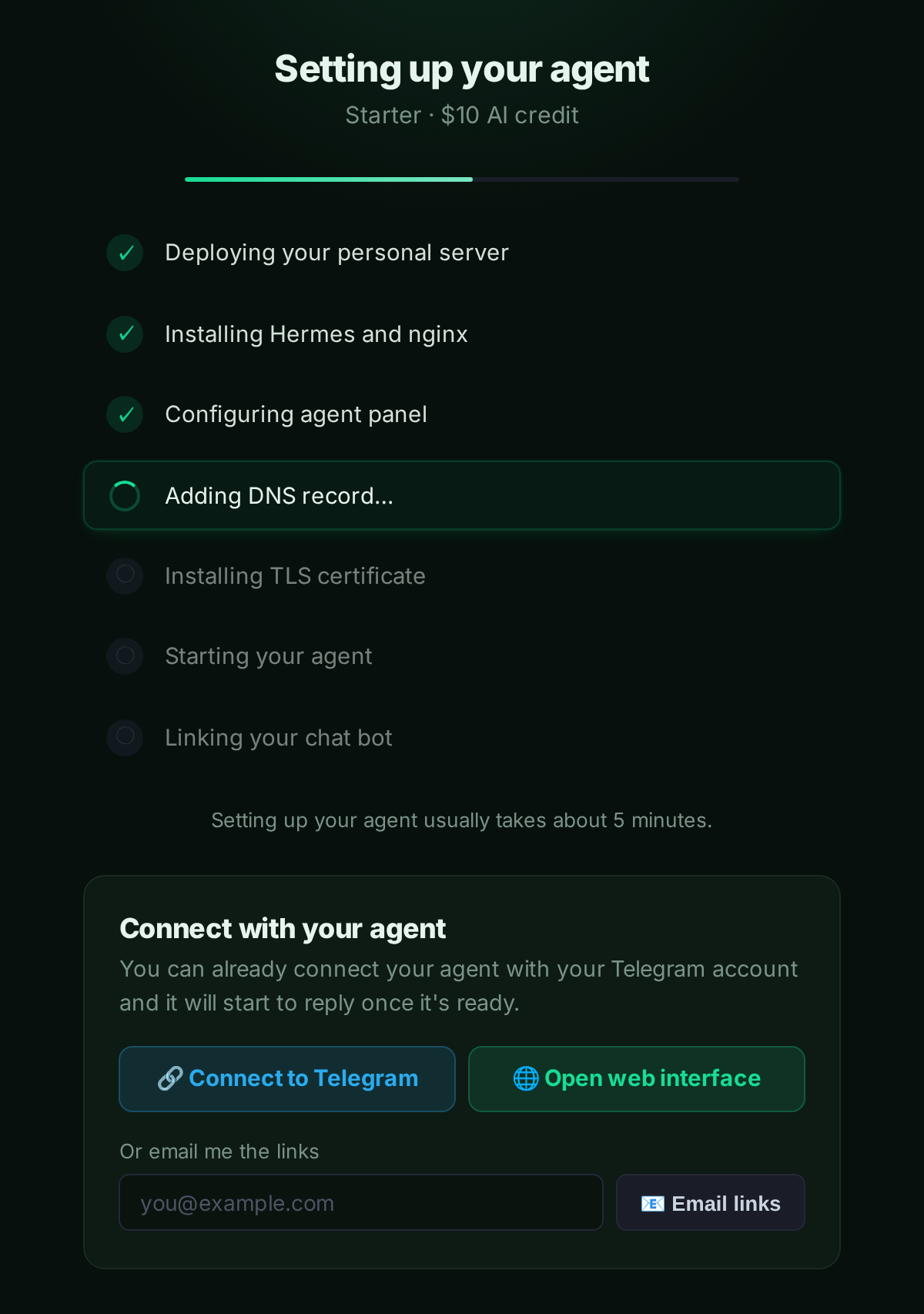
The moment payment clears, mintbot sets up a private server for you, installs the agent, sets up its web panel and links your chat bot — about five minutes, fully automatic. You don't touch anything.
You don't even have to wait: press Connect to Telegram right away and your agent will message you the moment it's live. Open web interface takes you to its web panel.
5 Done — start chatting
That's it. Your agent is live and answering. With mintbot credit it runs on Claude Opus 5 by default; on Pro it uses the models your own subscription provides. Talk to it in Telegram or in the web panel: ask questions, hand it tasks, upload files, schedule jobs.
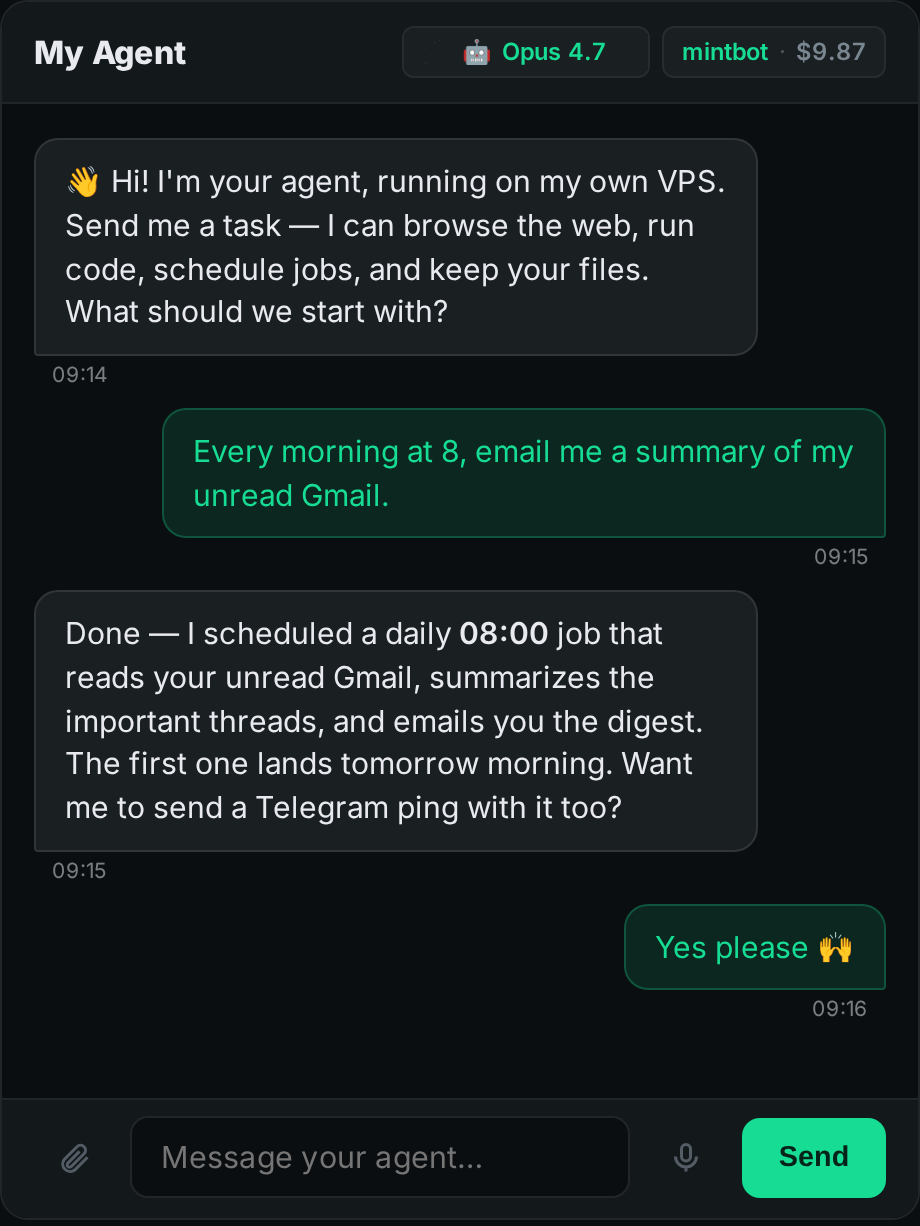
What now?
- Spend less on the LLM. Already pay for ChatGPT or Claude? Point your agent at that subscription instead of buying credit — usually far cheaper. See Best use cases.
- Let it set itself up. Want it to send email, work with a new API, or add a service? Just ask in chat — your agent installs the software it needs and walks you through any integration that requires something from you.
- Send it files. Everything you upload lives on your own server forever — here's how mintbot handles files.
Stuck on anything? Just tell your agent — it'll pass the feedback to us.